
A background check may return a status label such as “Clear,” “Complete,” or “Consider.” Clarifying what does consider mean on a background check helps prevent confusion, as the term sounds uncertain and is frequently mistaken for an automatic rejection.
In most systems that use this label, “Consider” means the report has finished and contains at least one item that the organization may want to review. It does not automatically mean that the information is accurate, relevant, disqualifying, or connected to a negative final decision.
The exact meaning depends on the screening provider. Anyone who sees this result should check the provider’s status definitions before drawing a conclusion.
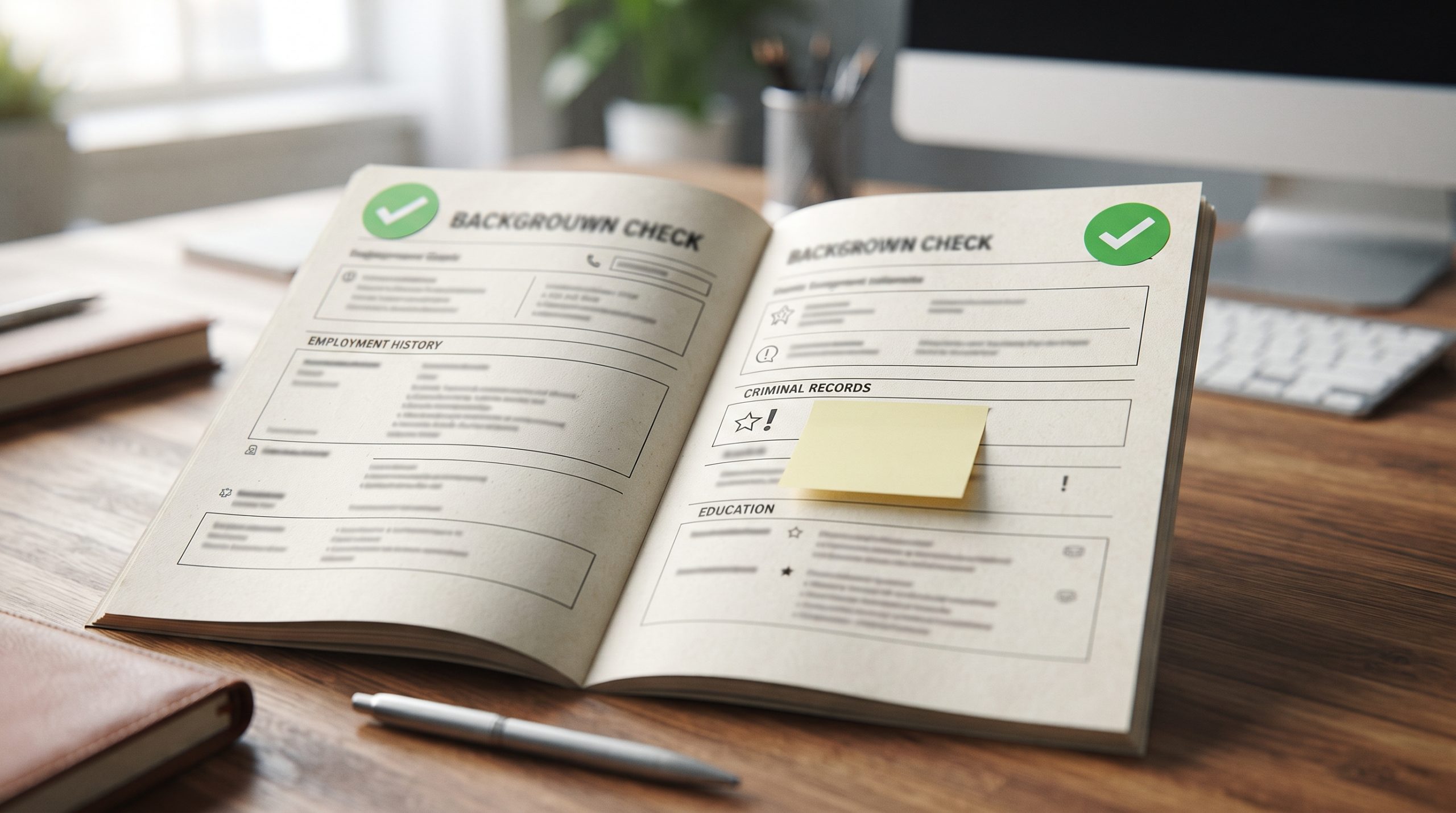
What Does Consider Mean on a Background Check Report?
“Consider” is a provider-specific report result. On screening platforms that use this label, a Consider result generally means the completed report contains at least one record that the requesting organization may want to review.
The label normally communicates two points:
- The applicable searches have been completed.
- Something returned that may require human evaluation.
It is not the same as “failed.” A background-check provider generally gathers and reports information, while the organization requesting the report makes its own decision within applicable legal requirements.
Result, Status, and Decision Are Different
Confusion often occurs because these three terms are treated as though they mean the same thing.
| Term | What It Usually Describes | What It Does Not Automatically Mean |
|---|---|---|
| Processing status | Whether searches are pending, complete, paused, or canceled | Whether the person passed |
| Report result | Whether the system identified information for review | Whether the information is disqualifying |
| Final decision | What the requesting organization decides after its review | A decision made automatically by the report provider |
A report can be complete while still carrying a Consider result. Likewise, an organization can review the returned information and decide that it does not affect the matter under consideration.
The answer to what does consider mean on a background check therefore depends on whether “Consider” appears as a processing status, report result, or internal review label. The provider’s documentation should explain where it fits.
Why a Report May Receive a Consider Result
Different providers use different rules, packages, and adjudication settings. A Consider label may be triggered by a criminal-record result, a motor-vehicle entry, or another item covered by the ordered searches.
Possible triggers can include:
- A record that meets the provider’s reporting criteria
- A pending criminal case
- A conviction returned by a selected search
- A motor-vehicle record requiring review
- An identity-related discrepancy
- Information that does not match the organization’s configured guidelines
This list is illustrative, not universal. A person should open the report and identify the specific section marked for review rather than assume that the label always refers to a criminal conviction.
What the Label Does Not Tell You
A single word at the top of a report cannot explain the entire result. “Consider” does not, by itself, establish any of the following:
- That the person committed an offense
- That every returned record belongs to the correct person
- That the information is complete and current
- That the reported event is relevant to the purpose of the check
- That the requesting organization will make a negative decision
- That the person has no right to question or dispute the information
Names, dates of birth, locations, case numbers, and dispositions all require careful review. An arrest may have ended without a conviction, a charge may have been dismissed, or a record may belong to someone with similar identifying information.
A Five-Question Report Review
Instead of reacting to the label, work through the report in a consistent order.
1. Which provider issued the report?
Start with the company name and its official explanation of report results. Status language is not standardized across every background-check service.
2. Which search produced the result?
Determine whether the item came from a county criminal search, motor-vehicle report, identity check, employment verification, or another component.
3. Does the information match the correct person?
Compare available identifiers carefully. A shared name is not sufficient proof that a record belongs to the subject of the report.
4. Is the record complete?
Review the charge, filing date, jurisdiction, case number, and disposition. A report that shows an arrest but omits the final outcome may require further verification.
5. Is there a dispute process?
If the report is inaccurate or incomplete, follow the reporting company’s instructions for submitting a dispute. Provide copies of supporting records rather than original documents.
What Candidates Should Do Next
Receiving a report marked for review does not imply an automatic disqualification. Review the complete document first and inspect the specific entry flagged by the platform.
A practical response looks like this:
- Download or request a copy of the report.
- Locate the section that caused the Consider result.
- Compare the identifiers with your information.
- Check the court disposition or other source details.
- Document anything inaccurate or incomplete.
- Submit a dispute through the reporting provider when necessary.
- Keep copies of the report and all correspondence.
For an employment background check supplied by a consumer reporting company, federal law provides specific protections. Under the Fair Credit Reporting Act, an employer considering a negative decision based on a report must follow the required pre-adverse-action process, which includes providing the person with a copy of the report and a Summary of Rights.
State and local requirements may provide additional protections.
Does a Consider Result Mean You Failed the Background Check?
No. “Consider” usually means “review the returned information,” not “automatically reject this person.”
The final outcome can depend on several factors:
| Review Factor | Question to Ask |
|---|---|
| Accuracy | Does the record belong to the correct person? |
| Disposition | Was there a conviction, dismissal, acquittal, or pending case? |
| Timing | How old is the reported event? |
| Relevance | Is the information legally relevant to the particular decision? |
| Applicable law | Are there federal, state, or local restrictions on its use? |
| Organization policy | How do established review guidelines address the result? |
A provider’s automated label should not replace a complete, lawful evaluation of the underlying information.
Evaluating Results Across Reporting Platforms
Terminology and report labels vary across background check platforms, and “Consider” is not a status label used by ClearCheck. General people-search services provide informational data for personal verification rather than FCRA-regulated screening. These reports are not consumer reporting agency products and cannot be used for employment decisions, tenant screening, credit eligibility, or insurance underwriting.
Check the Information, Not Just the Label
Report labels are designed to summarize, but summaries can remove important context. The underlying record remains more important than the word displayed beside it.
Before relying on any report:
- Confirm the subject’s identity.
- Read the complete record.
- Check the source and jurisdiction.
- Review the final case disposition.
- Look for missing or conflicting information.
- Use the provider’s dispute procedure when appropriate.
- Follow all laws governing the intended use.
A “Consider,” “Review,” or “Flag” result should prompt careful verification, not an immediate assumption about someone’s history.
Conclusion
Clarifying what does consider mean on a background check comes down to recognizing it as an internal review prompt rather than a final verdict. The label simply indicates that a report contains a data point requiring manual inspection.
Inspect the underlying court records, verify identity details, and follow standard dispute procedures for inaccurate entries. For lawful, non-regulated research, ClearCheck provides quick access to public databases to help you verify background details with confidence. Note that ClearCheck reports are strictly informational and cannot be used for FCRA-regulated decisions.